Tabs
FreeFuzzy-find and switch any open tab, hibernate idle ones to free memory, and save sessions.
⌘K tab finderTabs
Free- ⌘K fuzzy-search every tab
- Hibernate idle tabs to free memory
- Save & reopen tab sessions
A private workspace on every new tab
22 focused tools — notes, PDFs, a whiteboard, voice-to-text, on-device AI and more — the moment you open a tab. Everything runs in your browser, so nothing you write, say, or scan ever leaves your machine.
Free tier forever · Pro from $10/mo · No account needed to start · Works in Chrome
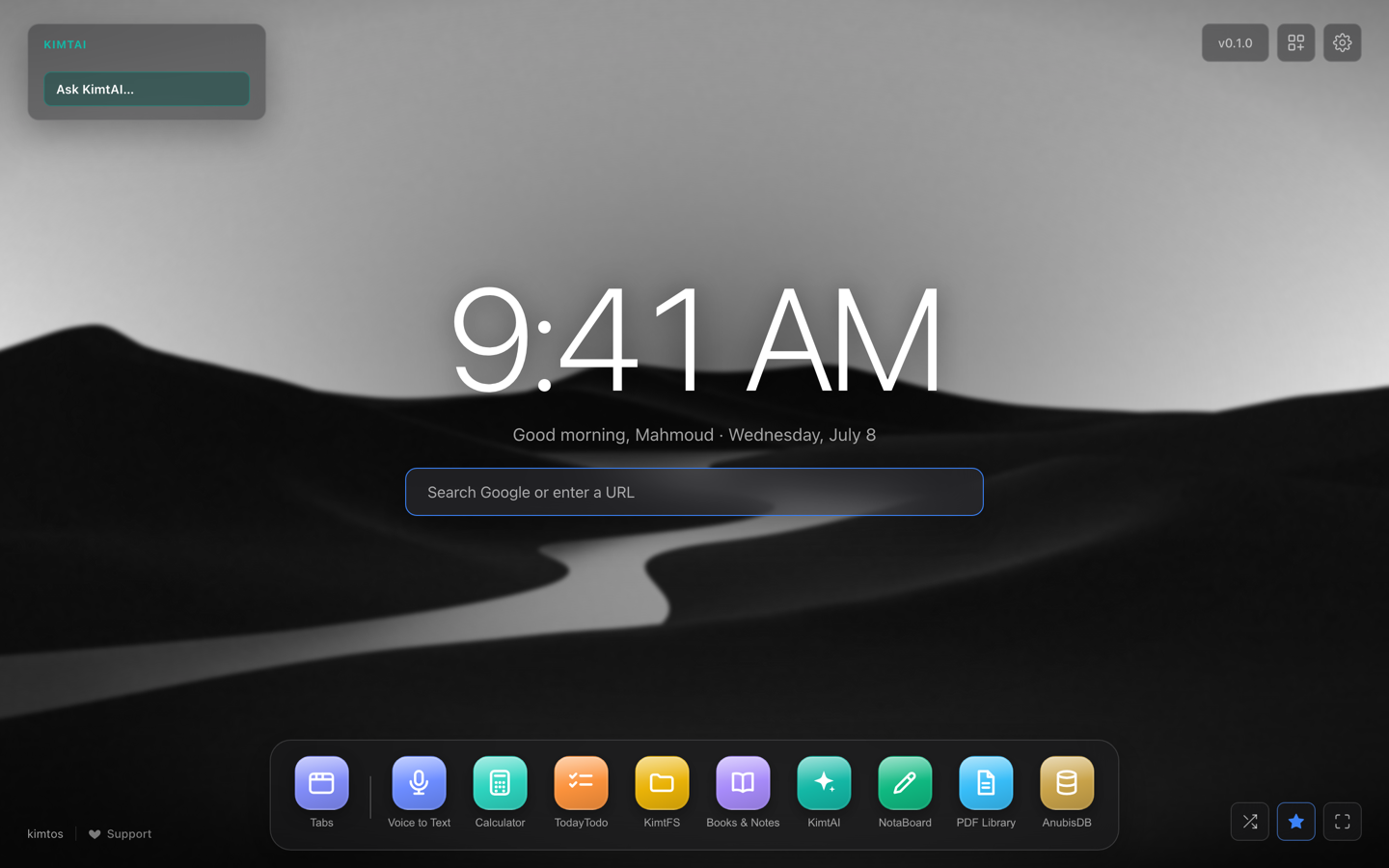
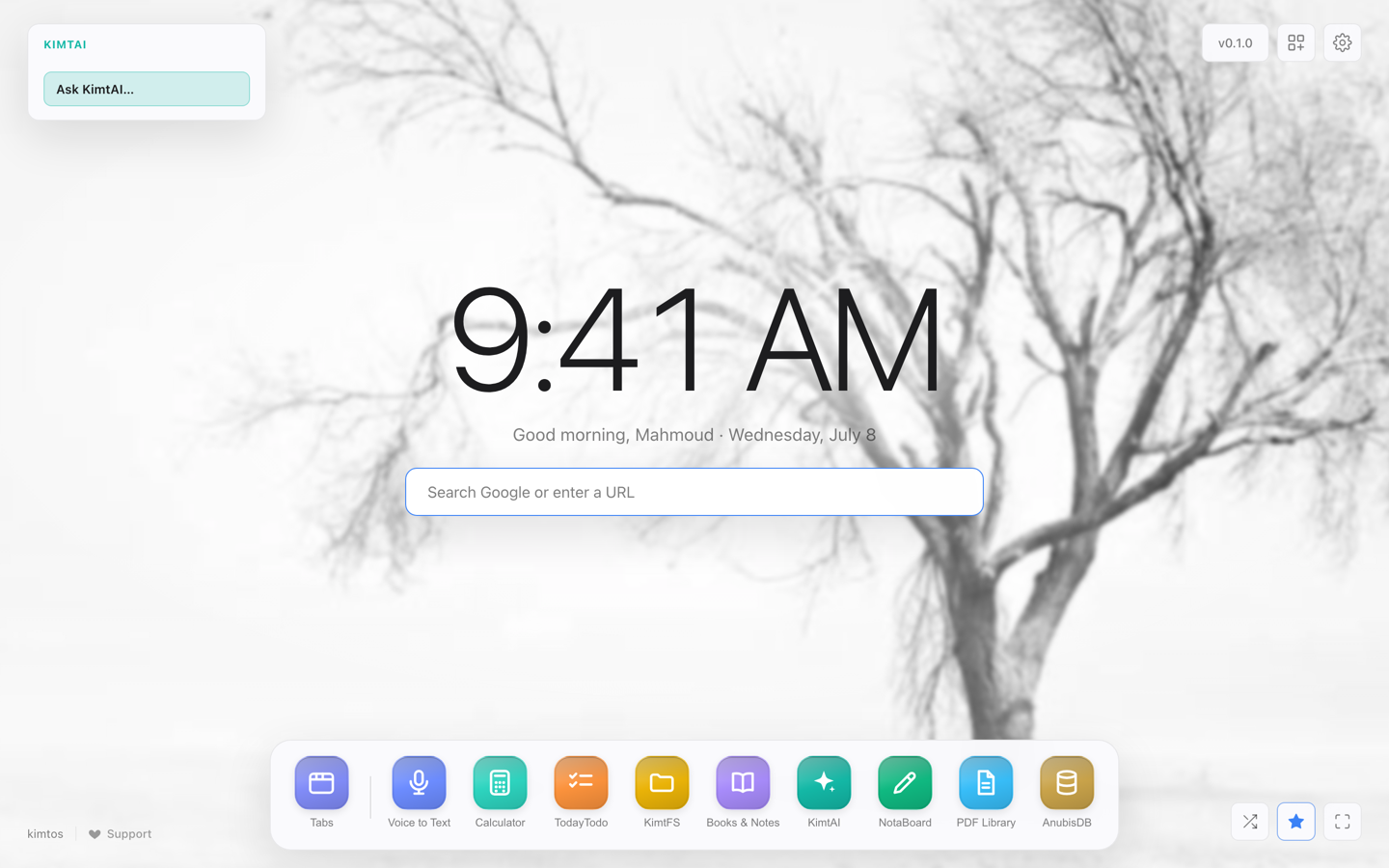
Each opens in a draggable window from the dock. Nine essentials are free forever; the thirteen Pro tools — including everything powered by an on-device AI model — come with a subscription.
Fuzzy-find and switch any open tab, hibernate idle ones to free memory, and save sessions.
⌘K tab finderTranscribe recorded or uploaded voice notes. The audio never leaves your device.
Whisper · WebAssemblyNotion-style notes in collections, with live preview, export, and internal links.
MarkdownA private AI chat that runs entirely in your tab — not a single token leaves your device.
On-device LLM · WebGPURead and annotate PDFs — highlights, notes, zoom, and last-page memory.
PDF.jsMost “AI” tools quietly ship your notes and recordings to a server. KimtOS does the opposite: the models run inside your browser tab with WebAssembly and WebGPU. There’s no backend to leak, subpoena, or get breached — because there isn’t one.
— Built for people who’d rather not find out the hard way.
Transcription, OCR, denoising and chat all happen locally. The network isn’t in the loop.
Everything lives in your browser’s storage. Export a portable backup anytime — it’s yours.
Models download once, then cache. After that, pull the plug and everything still works.
Install, open a tab, go. You only sign in when you choose to subscribe to Pro.
A privacy product that asks for your trust has it backwards. So don’t take our word for it — open your browser’s own tools and watch KimtOS do nothing over the network.
The request list stays empty. Nothing is uploaded, because there is nowhere to upload it to.
We would rather list them than pretend there are none — an undisclosed call would damage the claim far more than an honest one.
Under the hood: every piece of your content lives in your browser’s IndexedDB; inference runs on-device via WebAssembly and WebGPU; the backend only ever touches identity and billing.
Free forever, or go Pro for the smart tools. Whichever you choose, your data stays on your device — and the free apps keep working, always.
The essentials, forever
Every smart tool, unlocked
First 3 days free · cancel anytime · your data stays yours
Yes. The AI models run inside your browser tab — there’s no KimtOS server that sees your notes, audio, images or chats. The only network calls are optional (weather, importing a PDF by URL) and the one-time model download.
Free covers nine everyday tools — Tabs, Calculator, DevTools, Tasks, KimtFS, Notes, PDF Library, AnubisDB and KimtManager. Pro unlocks the other thirteen — the on-device AI apps (KimtAI, Voice to Text, and more) plus the NotaBoard whiteboard.
Not to start. Install the extension and use the free tools with no sign-up. You only create an account when you go Pro or subscribe.
Chrome today, with Firefox, Edge and Safari next on the roadmap. Further out, the destination is KimtOS Browser — a browser with these tools built in rather than added on as an extension. It is direction, not a dated promise; our Vision page sets out why a browser follows from a local-first workspace.
Yes — every Pro plan starts with a 3-day free trial. Your card is collected at checkout, but the first charge only happens when the trial ends; cancel before then and you pay nothing.
Anytime, in one click. Your free tools keep working and your data is never deleted.
Every tool, on your device. Free to start — no card, no catch.
Get started free Chrome